August 4, 2026 by Lena Hoffmann · 7 min read
Offline OCR SDK: Process documents on device
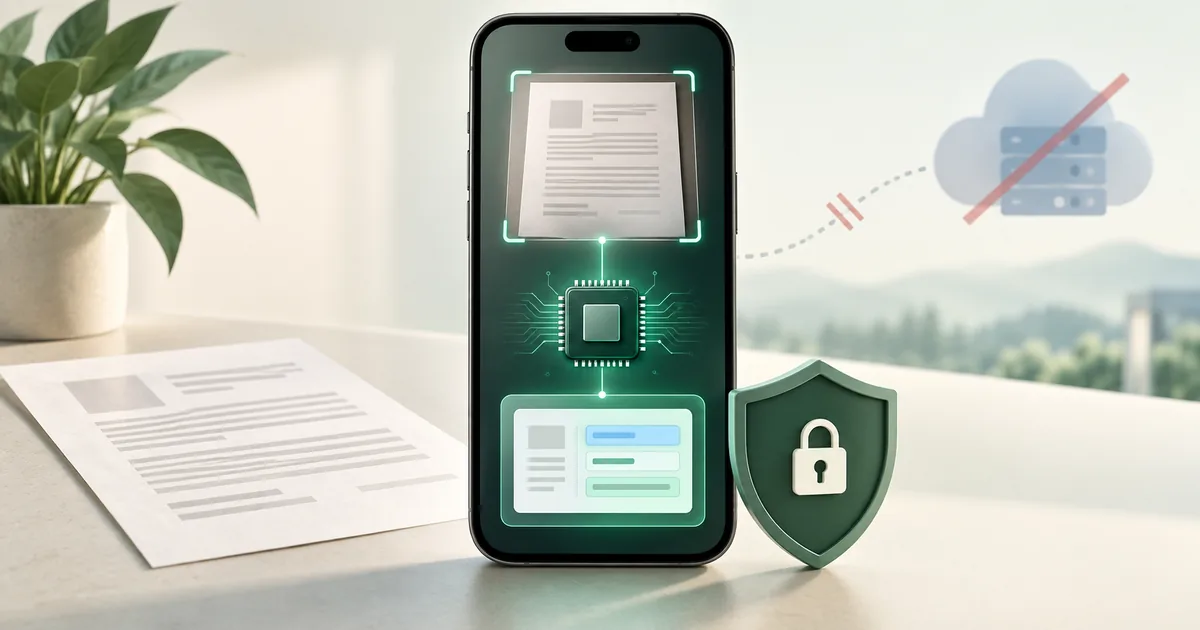
On-device OCR processes images and PDFs inside the application. It shortens the data path, enables offline workflows and gives product teams greater control over sensitive documents.
- Platforms
- Android, iOS and Windows
- Inputs
- Camera scans, images and PDFs depending on platform
- Outputs
- Full text, searchable PDFs and structured data
- Data flow
- Recognition inside the application
What is on-device OCR?
OCR turns visible text into machine-readable content. With an on-device architecture, recognition runs in the app instead of on an external recognition server. The application then decides which results are stored or transferred to its own systems.
Mobile workflows often start with guided document scanning. On Windows, existing images or PDFs are imported; camera scanning is not part of the Docutain Windows SDK. This platform boundary should be explicit in the solution design.
When local OCR is a strong fit
- Documents contain personal or business-critical information.
- The workflow must work with unreliable connectivity.
- Response times should not depend on network or server load.
- The team wants to limit data transfers and third-party dependencies.
OCR is one part of the document workflow
Reliable results begin before text recognition. Document detection, perspective correction and image enhancement create a better input. The app can then generate full text, searchable PDFs or structured document data.
From an OCR trial to application integration
- Choose the input: Capture documents with the mobile document scanner SDK or import existing images and PDFs. On Windows, start with existing files.
- Choose the output: Full text for search and downstream processing, searchable PDFs for archiving, or structured fields for your workflow. Text recognition and invoice data extraction solve different tasks.
- Integrate on your target platform: The Data Capture SDK page and API examples connect you to the platform documentation. Evaluate with a licence for your application.
- Handle incomplete results: Test empty fields, unreadable documents and cancellations. Let users review important results before the application commits them.
Evaluate OCR across your target markets
Build a test set for each target market, including the languages and scripts you need, local date and number formats, and representative document layouts. Confirm coverage through the platform documentation and your own tests. Results from one language or invoice format do not establish support for every market.
For invoice workflows, the structured invoice data extraction guide explains how to evaluate fields and validation beyond the recognised text.
How to evaluate quality
Test representative documents on physical devices. Measure errors per relevant field, processing time, cancellations and manual correction effort. Emulators are a fallback for basic integration tests; they cannot validate camera, focus and real capture quality.
Start with a free trial license and the Docutain Showcase Apps.
Evaluate local recognitionTest OCR and data extraction in your workflow
Review documents, target fields and platforms with our SDK team.