June 25, 2026 by Daniel Weber · 7 min read
Offline document processing: architecture for resilient apps
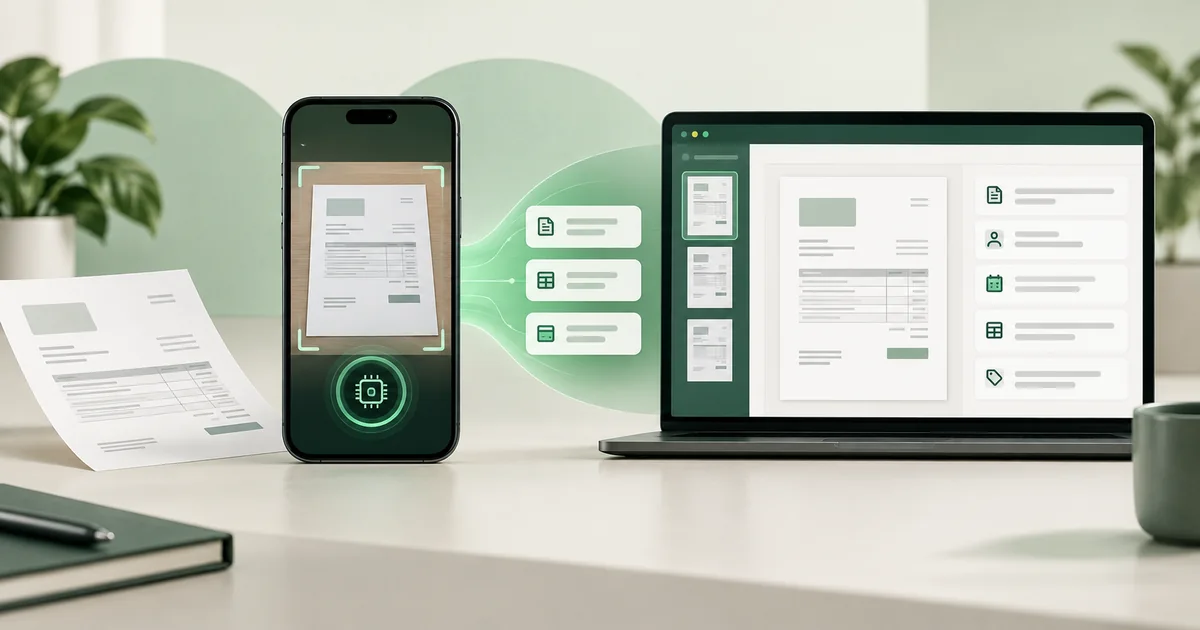
Offline does not mean an application must stay isolated. It means scanning, OCR and extraction can run without a runtime dependency on an external recognition server.
- Local
- Scanning, enhancement, OCR and extraction
- Control
- The app decides storage and transfer
- Resilience
- Core function without connectivity
- Integration
- Results flow into your own systems
Define a clear system boundary
Local recognition ends with a structured result inside the application. The business workflow can then review the data, store it locally or send it to an owned backend. The integrating organization remains in control of the subsequent data flow.
Benefits and technical consequences
- No runtime dependency on an external recognition server.
- Fewer external transfers of sensitive documents.
- Predictable response time independent of network quality.
- Models and libraries increase app size and require release testing.
Plan platforms realistically
Docutain supports document scanning on Android and iOS, including supported mobile cross-platform stacks. OCR and data extraction are also available on Windows, where existing images and PDFs are processed rather than captured through an SDK camera.
Offline does not replace governance
Local processing still needs permissions, secure storage, deletion rules, logging and controlled exports. Its benefit is a shorter data path and lower operational third-party dependency, not an automatic compliance guarantee.
Test before choosing the architecture
Evaluate representative documents, device classes, processing time and storage needs. Physical devices are essential for mobile scan quality; emulators remain a fallback for basic integration tests. Showcase Apps and a trial license provide a quick starting point.
Review your offline architectureEvaluate local document processing
Discuss platforms, data flow and your test corpus with our SDK team.