July 16, 2026 by Lena Hoffmann · 8 min read
Invoice data extraction with an SDK
A production invoice workflow needs more than OCR text. Relevant fields must be structured, traceable and ready for the downstream process.
- Sources
- Images, PDFs and e-invoices
- Core data
- Sender, date, amount, invoice ID and reference
- Additional data
- Address, phone, customer ID, BIC and IBAN
- Platforms
- Android, iOS and Windows
Which invoice fields can be extracted?
Depending on the document, the result can include sender name and address, date, amount, invoice ID, reference, phone number, customer ID and bank accounts with BIC and IBAN. Not every invoice contains every field, so missing values should be handled as a normal state.
Images, PDFs and e-invoices
Scans and image-based PDFs require image processing and OCR. Machine-readable e-invoices can be parsed reliably within the same Data Capture solution; no separate product is required. The input path may differ, while the application maps results into one domain model.
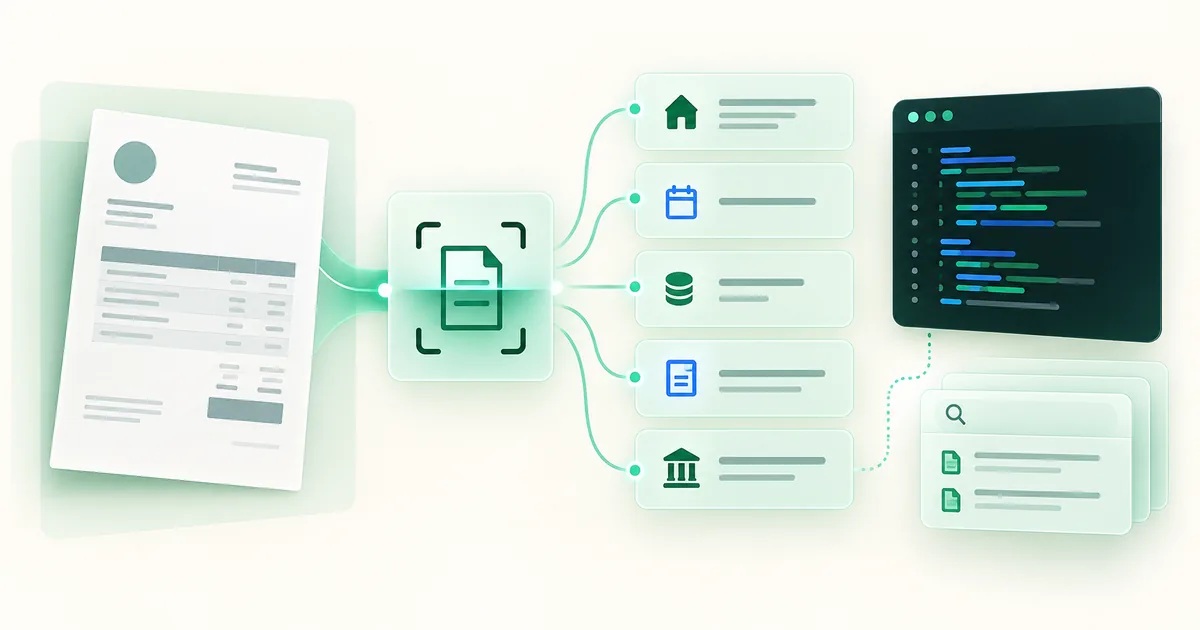
From extraction to the downstream workflow
- Capture or import the source.
- Read OCR or e-invoice data locally.
- Validate required fields and business rules.
- Send the reviewed result to ERP, DMS or accounting.
A valid IBAN is useful validation but does not replace reviewing recipient, amount and reference.
Extract invoice data across countries
Define the required fields and input formats for each target market. Dates, decimal separators, currencies and bank details vary; an invoice without an IBAN should not automatically count as an extraction failure. Preserve extracted values for review and normalise them using the document context.
Confirm the e-invoice formats and field coverage you need with the SDK team, then test samples from your markets. General e-invoice support does not establish support for every national format.
Start with the right SDK workflow
Use the OCR and data extraction SDK for Android, iOS and Windows to find APIs and platform examples. For new camera input, add the mobile document scanner. The on-device OCR guide explains the local processing workflow.
If the invoice should pre-fill a payment form, evaluate the specialised Photo Payment SDK. ERP integration instead depends on the fields and validation rules required by your accounting workflow.
Evaluate with your own documents
Build an approved test set with representative layouts and difficult cases. Measure field accuracy, missing and incorrect values, and manual correction effort separately. Physical devices are the primary test for mobile capture; the Showcase Apps support a quick quality check.
Test data extractionExtract structured data from your invoices
Evaluate your required fields and platforms with a free trial.