Updated 7 min readBy Jonas Richter
Add a color picker to a .NET MAUI app
The free Docutain.ColorPicker.MAUI package provides one asynchronous API for selecting colors on Android and iOS. Version 2.0.0 adds live previews, a rebuilt Android picker, localization and deployment support for trimming and Native AOT.
- Current version
- 2.0.0
- Target framework
- .NET 10
- Platforms
- Android 24+ and iOS 15+
- License
- Apache 2.0
Install Docutain.ColorPicker.MAUI 2.0.0
Add the package to the shared MAUI project. Version 2.0.0 targets .NET 10 and is the current stable release on NuGet.
dotnet add package Docutain.ColorPicker.MAUI --version 2.0.0
Alternatively, add the package reference directly to the project file:
<PackageReference Include="Docutain.ColorPicker.MAUI" Version="2.0.0" />
Open the picker and handle the result
All configuration values are optional. PickColor opens the platform picker and completes when the user confirms a color or cancels. The callback lets your interface preview changes while the picker is still open.
var previousColor = BackgroundColor;

// Define your custom config; all values are optional.
var colorConfig = new ColorPickerConfig
{
    Title = "Pick a color",
    DefaultColor = Colors.Yellow,
    PositiveButton = "OK",
    NegativeButton = "Cancel",
    SupportsAlpha = true,
    ShowDefaultColors = true,
    Dismissable = true,
    OnColorChanged = color => BackgroundColor = color,
    RecentColorsLabel = "Recent",
    DefaultColorsLabel = "Colors",
    CustomColorLabel = "Custom color"
};

// Open the picker and wait for the result.
var color = await ColorPicker.PickColor(colorConfig);

if (color != null)
{
    BackgroundColor = color;
}
else
{
    // Restore the previous color after canceling a live preview.
    BackgroundColor = previousColor;
}
Configuration options
Native behavior on Android and iOS
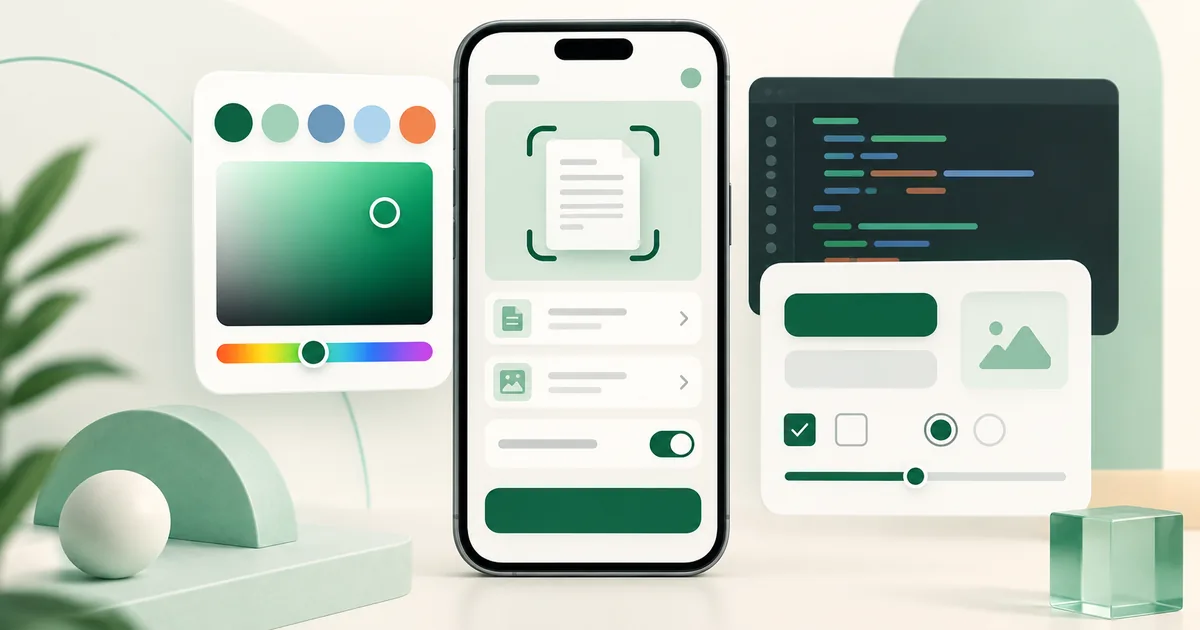
On iOS 15 and newer, the package presents the native UIColorPickerViewController. On Android 7/API 24 and newer, version 2.0.0 uses a Material bottom sheet with an HSV saturation/value panel, hue control, optional alpha slider, a built-in palette and recently selected colors.
Confirmed Android colors are stored locally and appear in the recent-colors row the next time the picker opens. The sheet follows the application's Material theme, including dark mode; button labels and the three section labels are configurable.
The package targets Android and iOS. A MAUI project may also target Windows or macOS, but this color picker is not advertised for those platforms.
What changed in version 2.0.0?
The Android picker was rewritten and all third-party dependencies were removed. The package now targets .NET 10, includes XML documentation and is designed for trimming and Native AOT. Existing projects upgrading from 1.x should therefore check their target framework and platform minimums before changing the package reference.
Production checklist
- Target .NET 10 and verify Android API 24 and iOS 15 as your minimum supported versions.
- Handle the nullable result because the user can cancel.
- Restore the previous value if a canceled selection already changed the UI through
OnColorChanged. - Enable alpha only when the consuming UI supports transparency.
- Localize titles, buttons and Android section labels in application resources.
- Test on physical Android and iOS devices, including dark mode, trimming and your Native-AOT release configuration.
Why Docutain publishes this package
The component was created so users of the Docutain Document Scanner SDK could adapt scanner colors to their application's branding. It is available independently and free of charge, so the same picker can also be used elsewhere in a MAUI application.
Ready to integrateStart with the current NuGet package
Add version 2.0.0 to a .NET 10 MAUI project and use live preview, alpha selection and localized labels where they improve the experience.